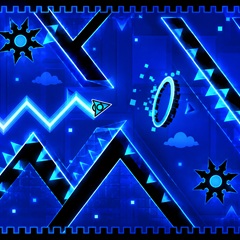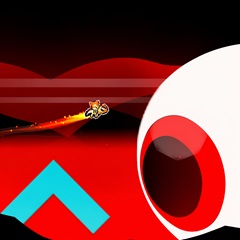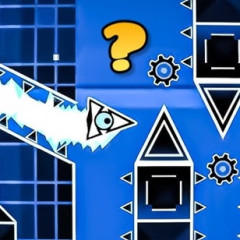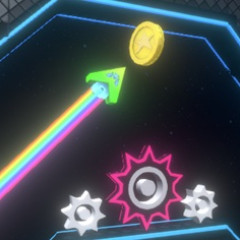
Geometry Arrow 3D is a neon tunnel dash that tests your reflexes with fast obstacles. Swipe, dodge, and beat the rhythm to conquer every level.
Similar to Geometry Dash Breeze 3D, the controls in Geometry Arrow 3D are also simple and suitable for all players, from beginners to experienced players. You can control the object as follows:
This is a rhythm game that requires extremely fast reflexes to avoid all obstacles in the level. To do this, you should:
Press at the right rhythm, don't hold down continuously, but adjust and release at the right time.
Don't just observe the immediate area, but observe the entire screen to understand the distribution of obstacles. From there, plan how to overcome them safely.
You can choose any level without having to follow a specific sequence. Each level has a different difficulty. If you are a beginner, choose levels with fewer stars to practice. Because the obstacles and rhythm in these levels are at an average level and you won't be easily tricked while playing. When you choose a level that suits you:
Error: Moving too early or too late
Solution: Wait until the correct point on the screen lights up before pressing.
Error: Distracted by the graphics
Solution: Focus on the main tunnel, avoid paying attention to surrounding details.
Error: Overconfidence during acceleration
Solution: Play the level multiple times to get used to the speed, don't rush.